Installing phpBB3
Introduction
phpBB is a LAMP stack application, whose initial release was Dec 6, 2000. (Plenty of time for Time Travelling Unicorns to appear.)
Setup will be:
- The hardware-specific prerequisites (getting a domain and machine),
- Walking through the LAMP stack setup,
- Filling out the remainder of the config in a web browser,
- AND LAST WE DELETE THE INSTALL FOLDER AS IT IS A SECURITY VULNERABILITY IF LEFT ALONE. THERE ARE IMPORTANT CLEANUP STEPS AFTER THE FORUMS ARE UP AND RUNNING.
Prerequisites
You will need a domain
You will need a server
You should know how to connect to your machine
Knowing general information about the LAMP stack will be helpful.
Knowing general Linux commands will be helpful.
Install the needed dependencies with apt
Run (this is all one command):
sudo apt install apache2 mariadb-server php \
libapache2-mod-php wget unzip openssl certbot \
python3-certbot-apache php-gd php-curl \
php-imagick php-intl php-json php-ldap php-common \
php-mbstring php-mysql php-imap php-sqlite3 \
php-net-ftp php-zip unzip php-pgsql php-ssh2 php-xml -y
This downloads Apache, MySQL (in the form of MariaDB, its modern open fork), PHP, wget, unzip, certbot (aka Let’s Encrypt!), Apache integrations with PHP and Let’s Encrypt!, and a host of useful PHP modules.
Set up phpBB3 files
Download phpBB using wget.
As of writing, the phpBB download page is at https://www.phpbb.com/downloads/. Find the download link, and copy it into the next command.
wget https://download.phpbb.com/pub/release/3.3/3.3.15/phpBB-3.3.15.zipExtract the data
unzip phpBB-3.3.15.zipThis will create a folder called “phpBB3”. You can run
ls to check. If not, you will need to use the new folder
name in place of phpBB3.
Create a directory to host it from
This will be the root directory we host our files from. Apache will need to know where this is.
mkdir -p /var/www/html/Move the phpBB files there
mv phpBB3 /var/www/html/You should now have a directory /var/www/html/phpBB3/
containing all needed files for install.
Set permissions
phpBB3 expects certain files to have certain permissions. Run these (no output) commands, one at a time:
chmod 666 /var/www/html/phpBB3/config.phpchmod -R 777 /var/www/html/phpBB3/store/chmod -R 777 /var/www/html/phpBB3/cache/chmod -R 777 /var/www/html/phpBB3/files/chmod -R 777 /var/www/html/phpBB3/images/avatars/upload/The
chmod -R 777comes directly from the phpBB install documentation. This is quite permissive, and is not recommended practice for applications today. PHP has many reckless design assumptions; no new software should be written in PHP.
Apache Configuration
Set up Apache to serve the website at yourdomain.com.
Turn on Apache
Start the Apache service:
systemctl start apache2Then enable it as a system service (so it starts automatically when the machine is rebooted):
systemctl enable apache2Write config files
Create a file caled “phpbb.conf” in /etc/apache2/sites-available/, containing the following section. Make sure to replace “yourdomain.com” in this file with your actual domain.
<VirtualHost *:80>
      DocumentRoot /var/www/html/phpBB3
      ServerName yourdomain.com

      <Directory /var/www/html/phpBB3>
                Options FollowSymlinks
                AllowOverride All
                Require all granted
       </Directory>

ErrorLog ${APACHE_LOG_DIR}/phpbb_error.log
CustomLog ${APACHE_LOG_DIR}/phpbb_access.log combined

</VirtualHost>
Check to make sure the syntax is OK:
apache2ctl configtestOnce you’ve created the file, enable the site…
a2ensite phpbb…turn on URL rewriting (used extensively by phpBB)…:
a2enmod rewrite…and restart Apache with:
systemctl restart apache2Check to make sure the page is visible
At this point, you should be able to visit your website and see the phpBB installation interface. It is not ready to run yet, we’ll come back in a moment.
Set up MySQL
We need to create a database and a user for phpBB.
Open mysql with:
mysqlCreate the database:
CREATE DATABASE phpbb;Create the user (choose your own password):
CREATE USER 'phpbb_user'@'localhost' IDENTIFIED BY 'a_STRONG_password_12345';Grant them privileges on the database:
GRANT ALL PRIVILEGES ON phpbb.* TO 'phpbb_user'@'localhost';Reload to update the priviliges:
FLUSH PRIVILEGES;Then exit.
EXIT;Set up Let’s Encrypt!
Run certbot (replacing “yourdomain.com” with your domain):
sudo certbot --apache -d yourdomain.comThis command will prompt for an email address to send notifications
to when the certificate is getting close to expiration. If you do not
wish to provide one, you can add
--register-unsafely-without-email to the command to
suppress the prompt.
If you are prompted to redirect HTTP traffic to HTTPS, select redirect.
phpBB Setup
Go to your domain. You should be greeted with an installer dialogue.
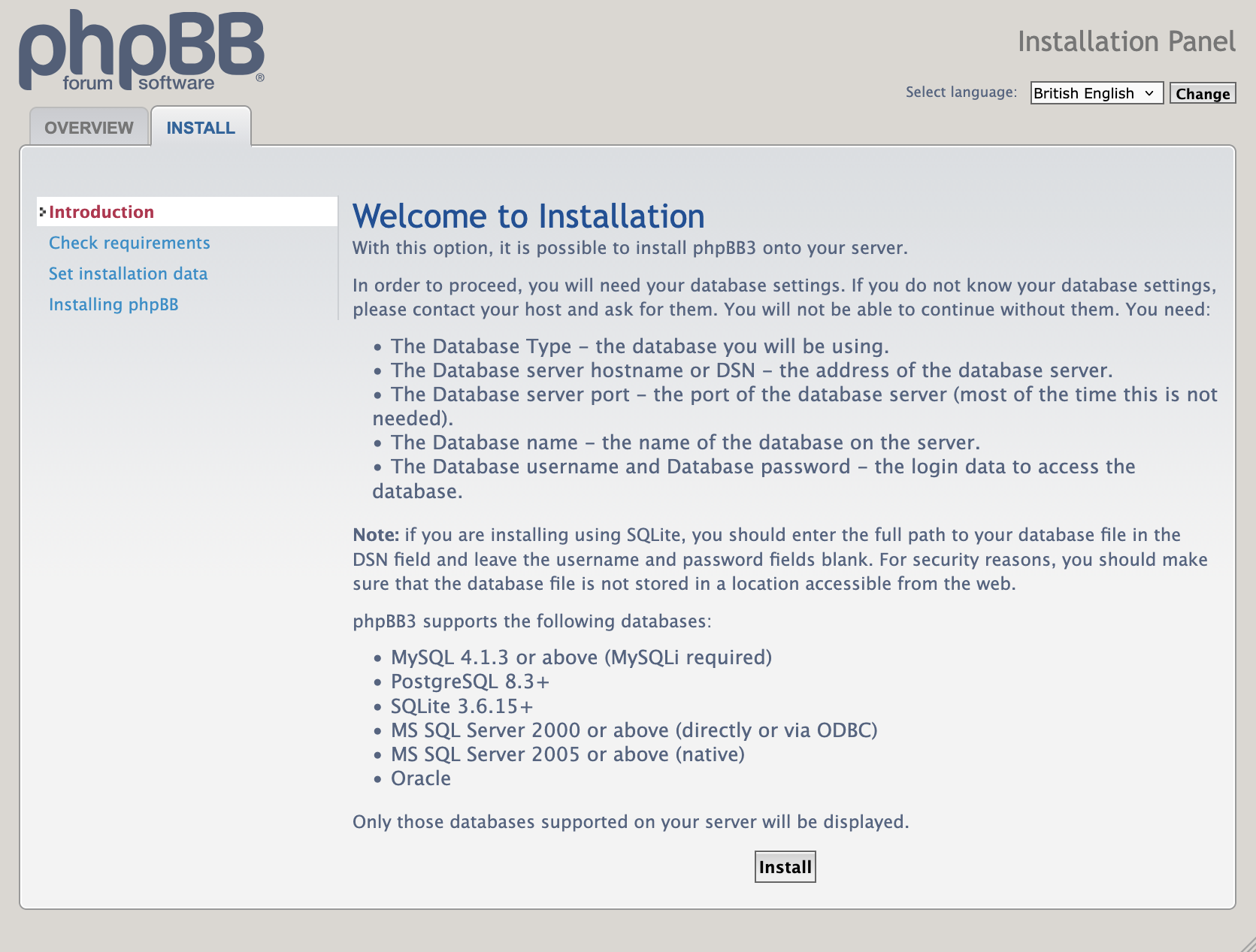
Create administrator
Create your administrator user.
We recommend setting up email records for your domain, so that you can set the administrator email to [email protected].
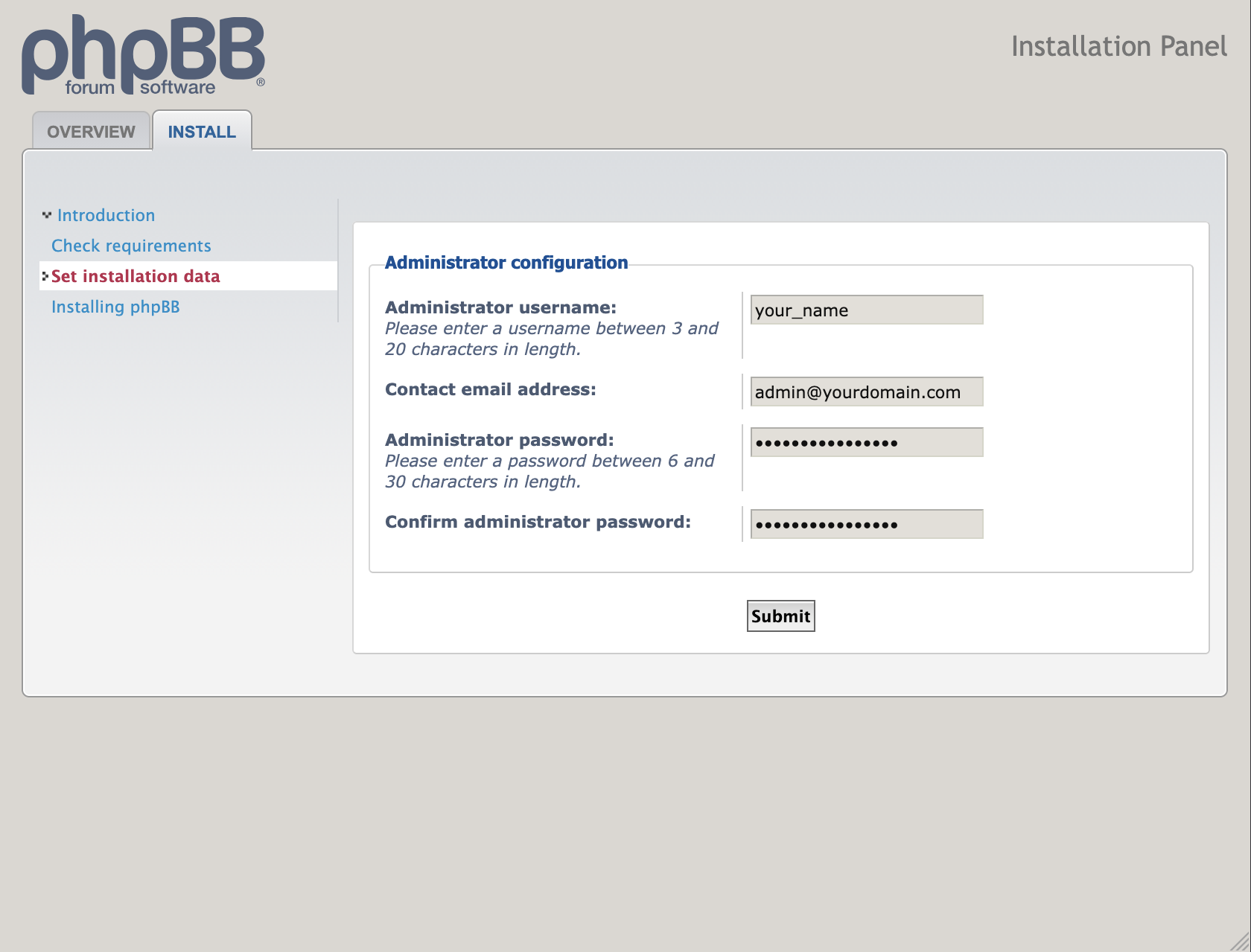
Login to the MySQL database
Provide the password you used earlier for MySQL setup here.
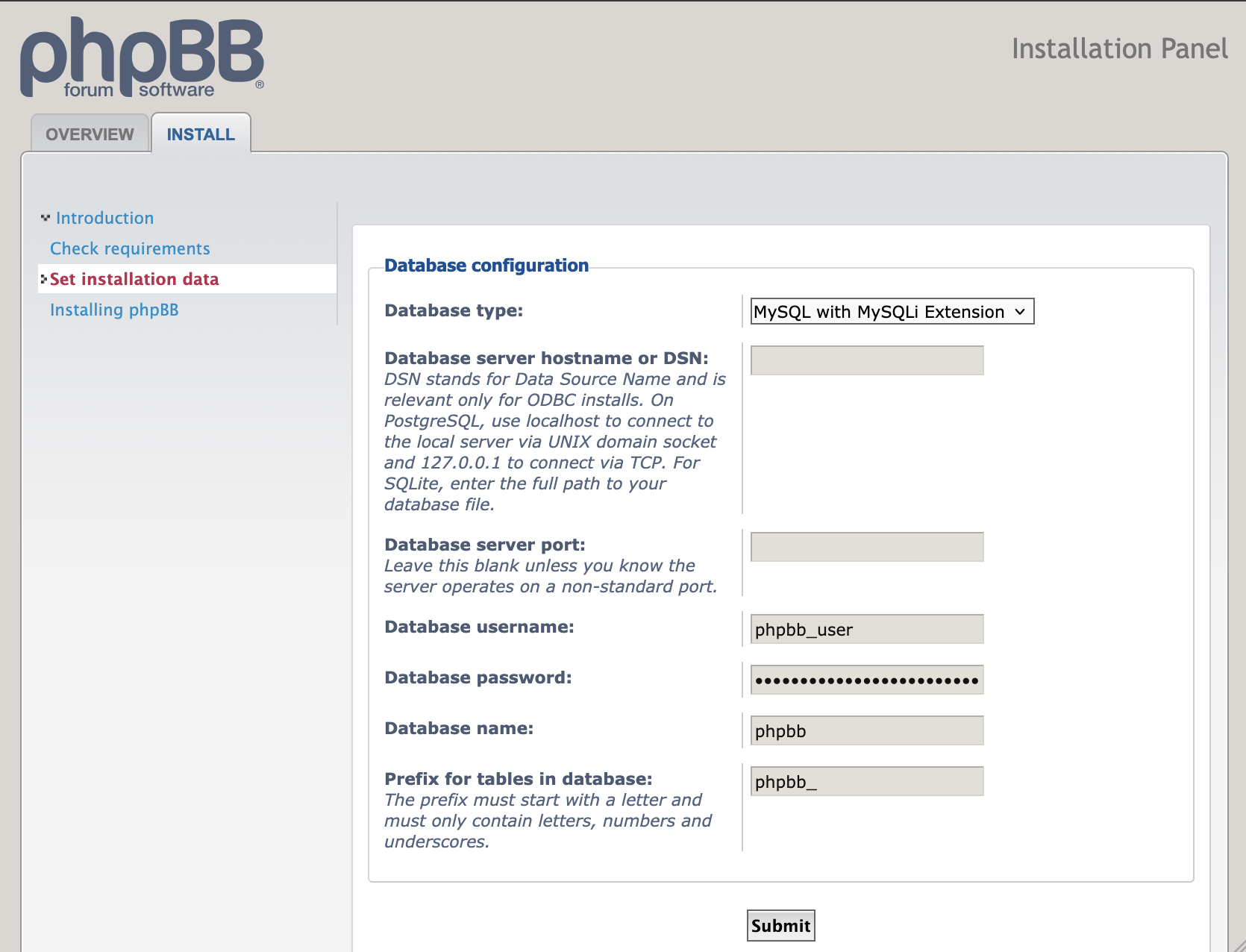
Configure the server
Update your domain here.
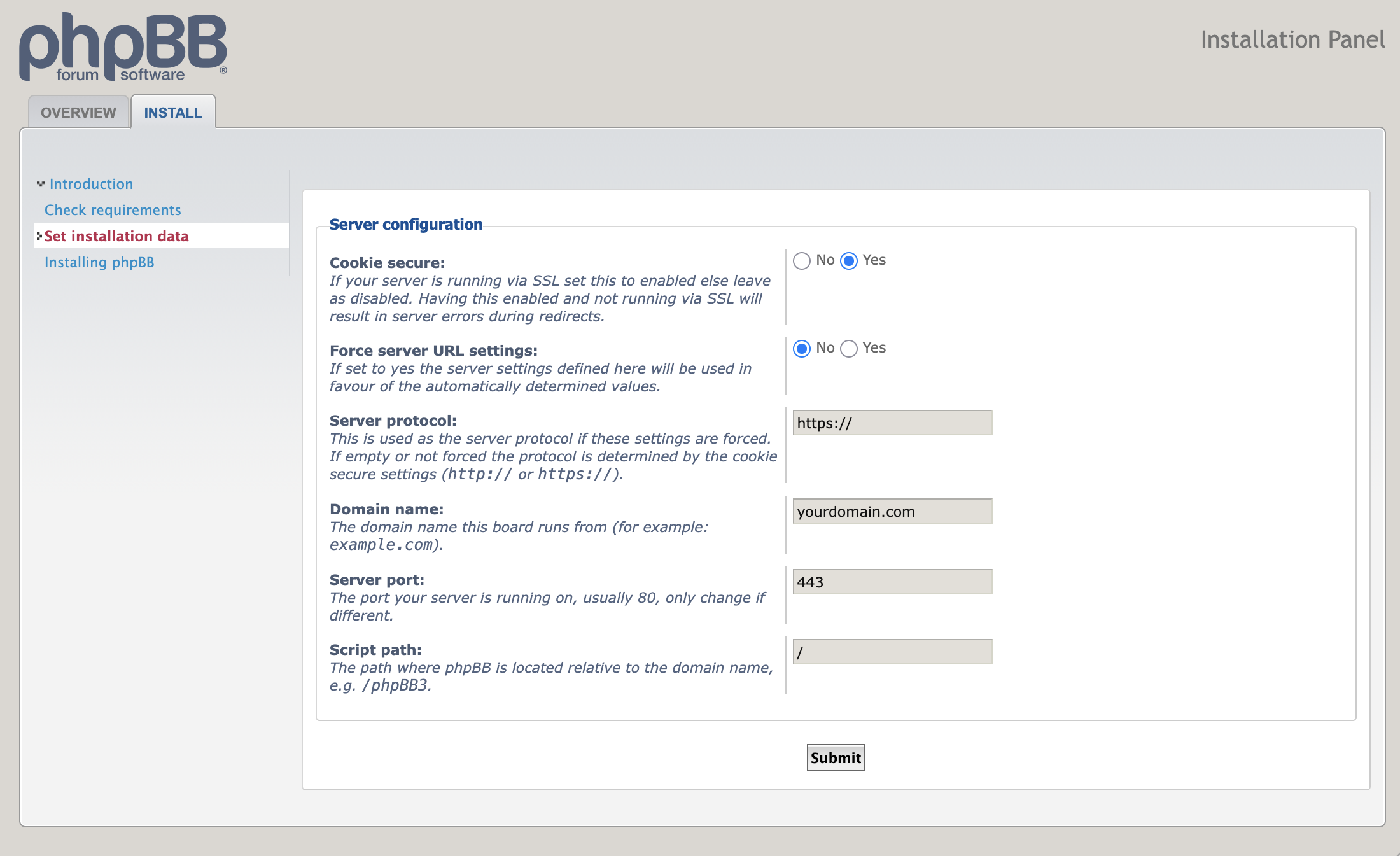
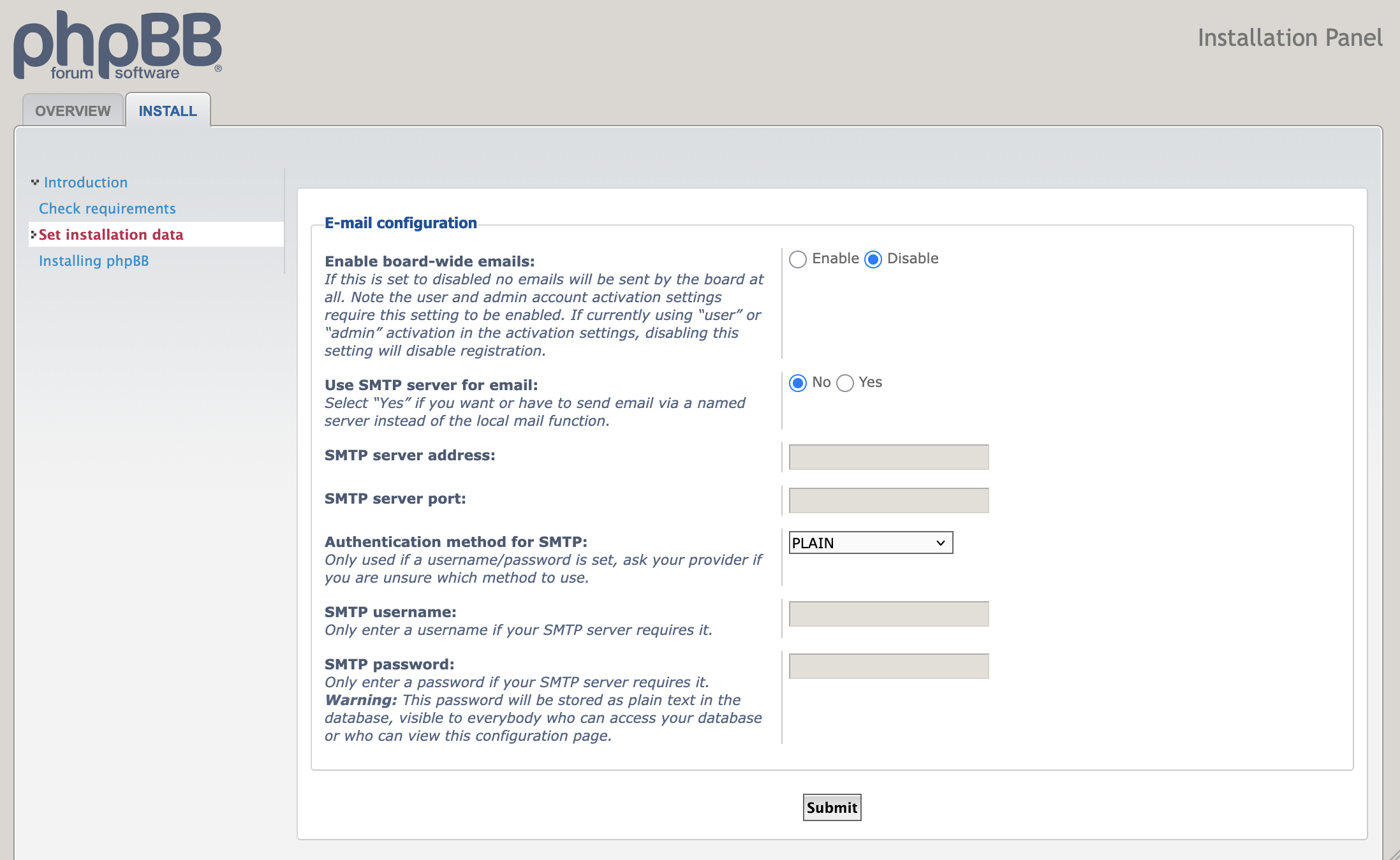
Board Email Notifications (optional)
If you want your board to be able to send out email notifications, you can enter your SMTP server details here.
We have not tested this.
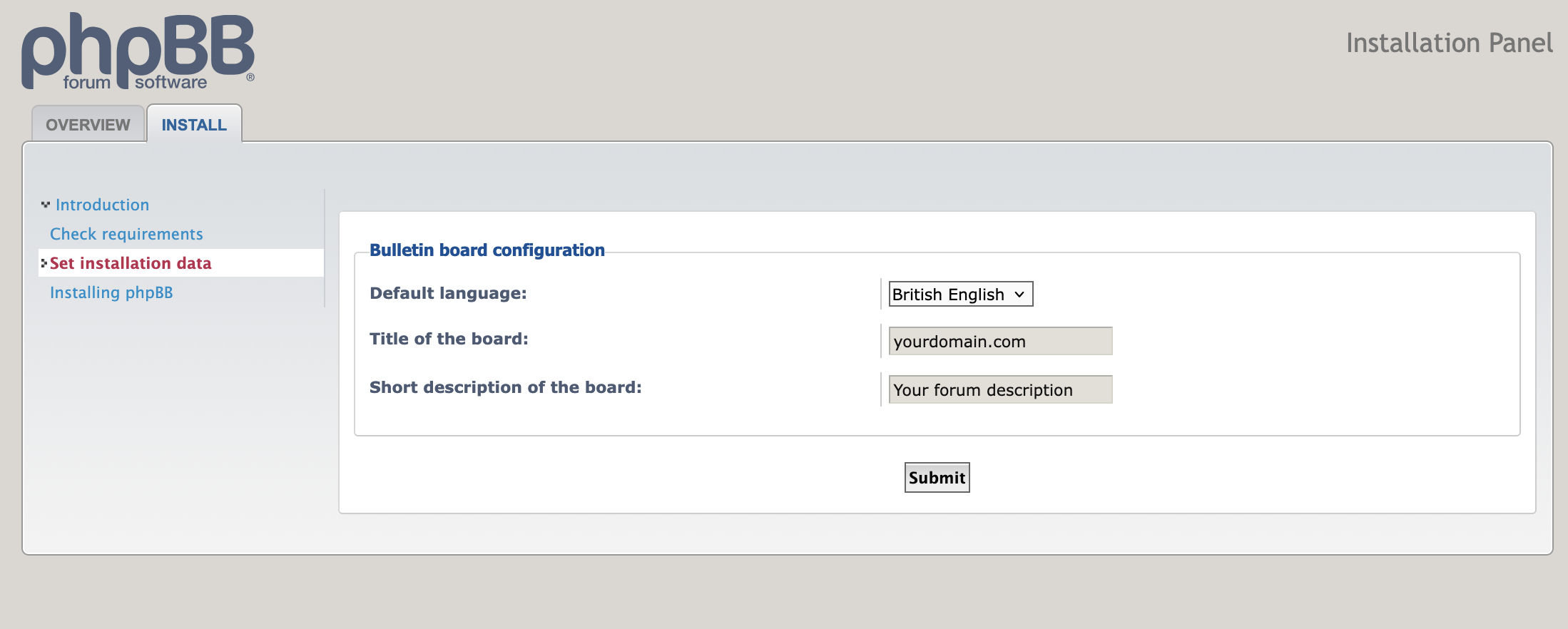
Bulletin Board Configuration
Give your forums a name and description.
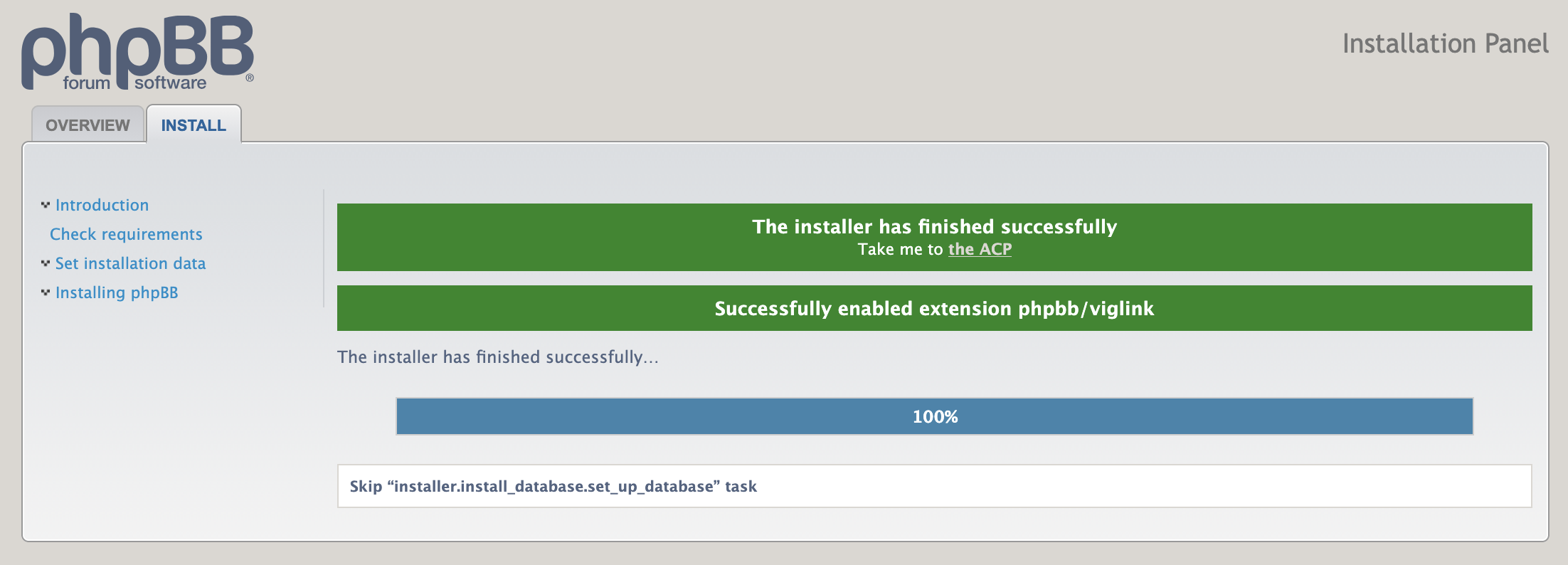
Let the installer finish
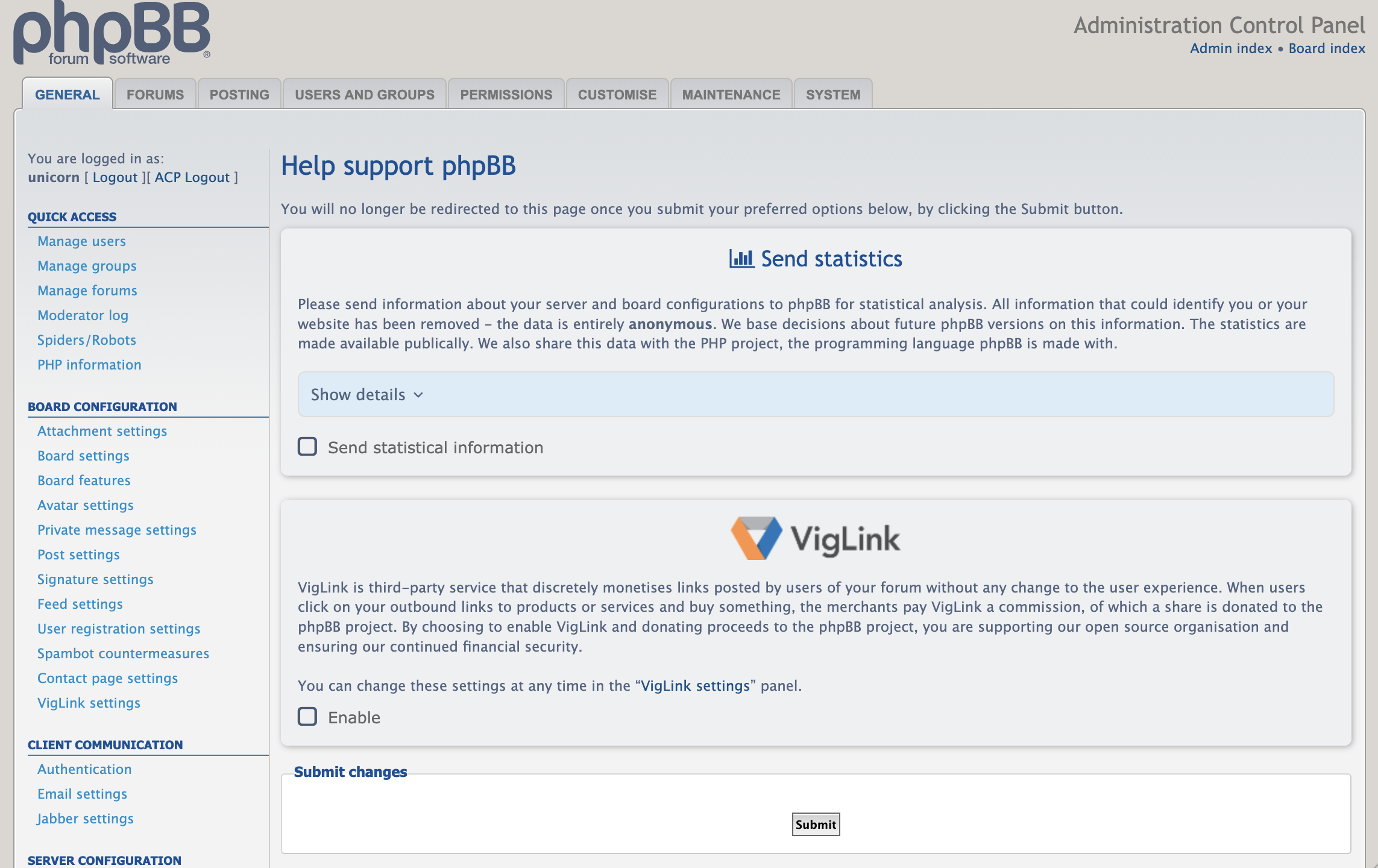
Send metricss Support phpBB
Up to you.
Finishing up
Before you can access your forums, you need to clean up the installation files, or they would be a security risk.
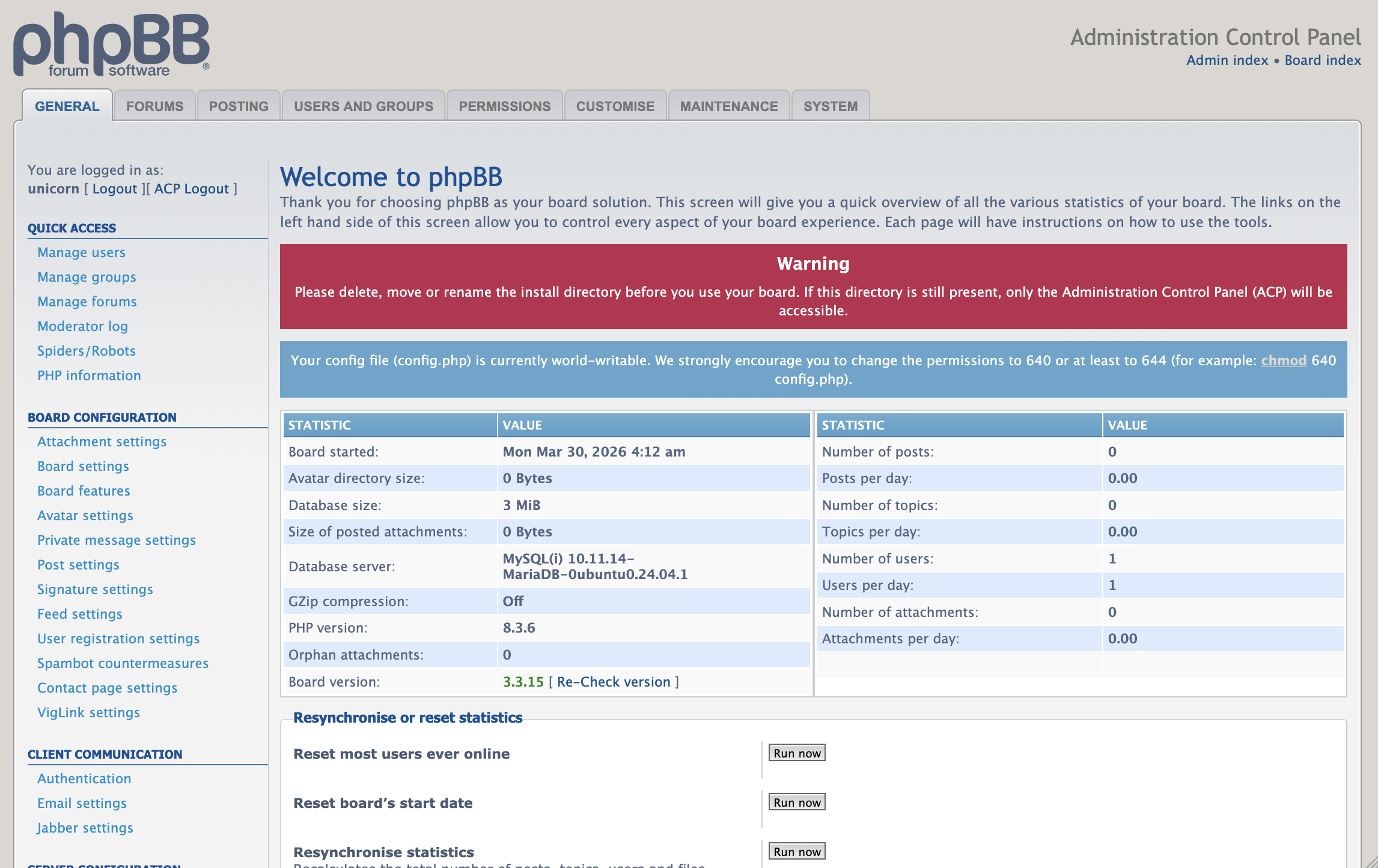
Lock down config permissions
chmod 640 /var/www/html/phpBB3/config.phpRemove installation dir
rm -r /var/www/html/phpBB3/install/Set up forums
You’re ready to set up your forums! phpBB has an incredible number of features, look around and have fun!
Debugging
Forums not appearing
You need to set visibility permissions for forums before you’ll see them. These can be configured in Permissions > Forum Permissions.
Login Issues
If you are running phpBB from a subdomain (ex.
forums.yourdomain.com instead of
yourdomain.com), then you may need to update your cookie
domain. It should be .yourdomain.com